
Create new items
Use details from your vendor’s order to create new items through the Heartland purchase order import, without entering each item by hand.

BUILT BY CRS
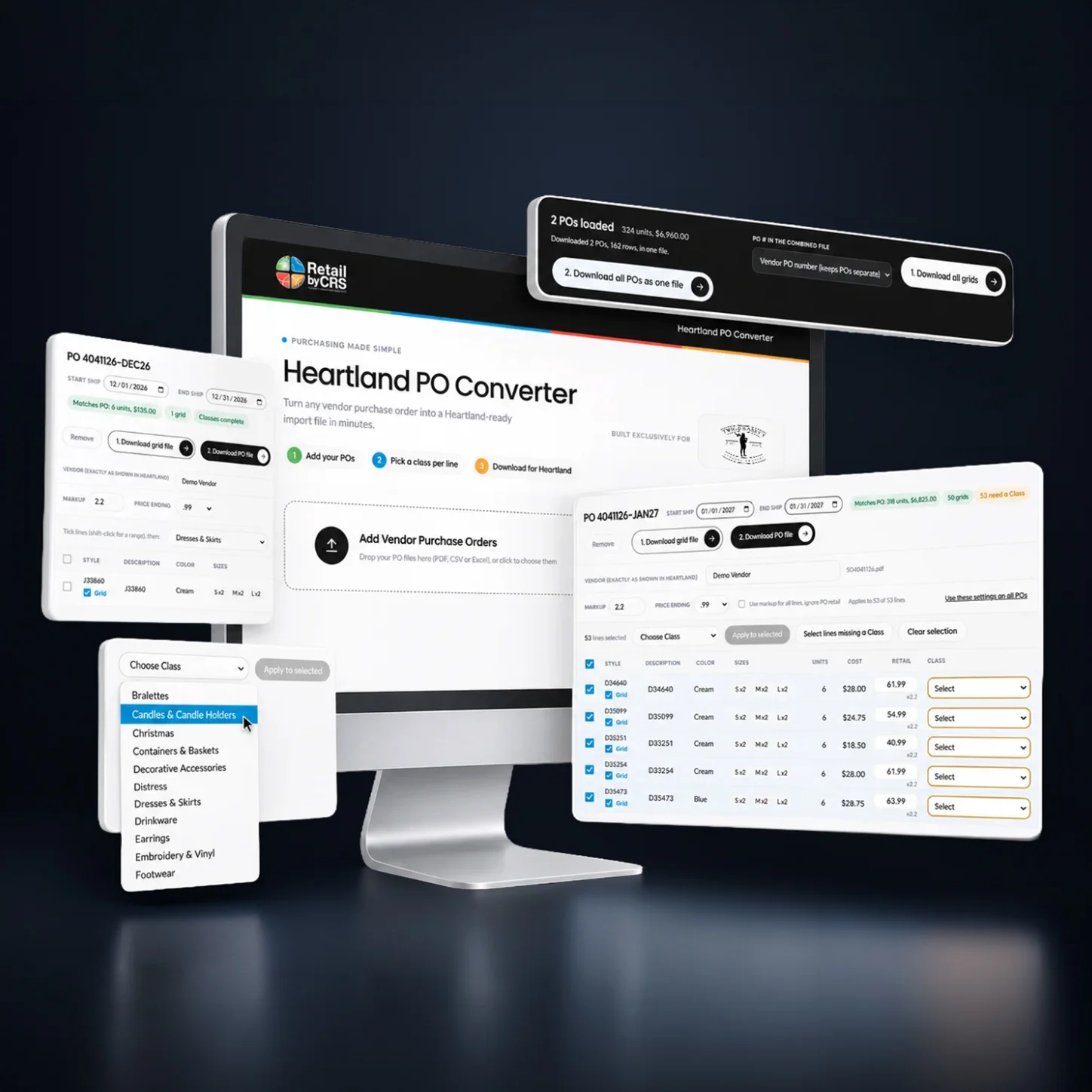
Developed by CRS, the new Heartland PO Converter uses your existing vendor purchase orders to prepare import-ready files for Heartland POS. Use the order information you already have to prepare item grids and purchase orders, with less manual entry.

A better way to prepare your orders
Vendor orders contain the product details you need, yet transferring that information into Heartland can involve hours of manual entry. New items need to be created, purchase orders assembled and product variations organized, even when much of that information is already sitting in front of you.
Instead of recreating that information line by line, upload the vendor order to the converter, generate the files your Heartland system needs and import them into Heartland.
What the converter does
Create new items, prepare purchase orders and organize product variations using your existing vendor documents.
Use details from your vendor’s order to create new items through the Heartland purchase order import, without entering each item by hand.
Turn the vendor’s order into a purchase order import file structured for your Heartland configuration.
Generate grid import files for styles with multiple colours or sizes, ready to import before the purchase order file.
Product demonstration
Follow a vendor purchase order through conversion and see how the resulting files are prepared for Heartland import.
Upload the purchase order you already received from your vendor.
Review the order details, complete required fields and download the grid and purchase order import files.
Import the grid file first, followed by the purchase order file, in Heartland.
BUILT FROM A REAL RETAIL NEED
CRS first built this converter for an individual retailer. After it proved successful on real orders imported into Heartland, CRS decided to make the tool available to more merchants.
One retailer’s result
One jewelry retailer reported uploading a 243-item purchase order in about three minutes, compared with a process that previously took roughly three weeks.
Separately, real-world testing confirmed conversion preparation in under two minutes, with new items and purchase orders imported into Heartland in approximately three to five minutes.
The 243-item example is one retailer’s reported experience, not a guaranteed result. Its three-minute timing has not been identified as conversion-only or a completed Heartland import.
Configured for your system
CRS configures the converter for each merchant, taking the required and custom fields in their Heartland system into account. That way, the generated import files reflect the configuration of the store using them.
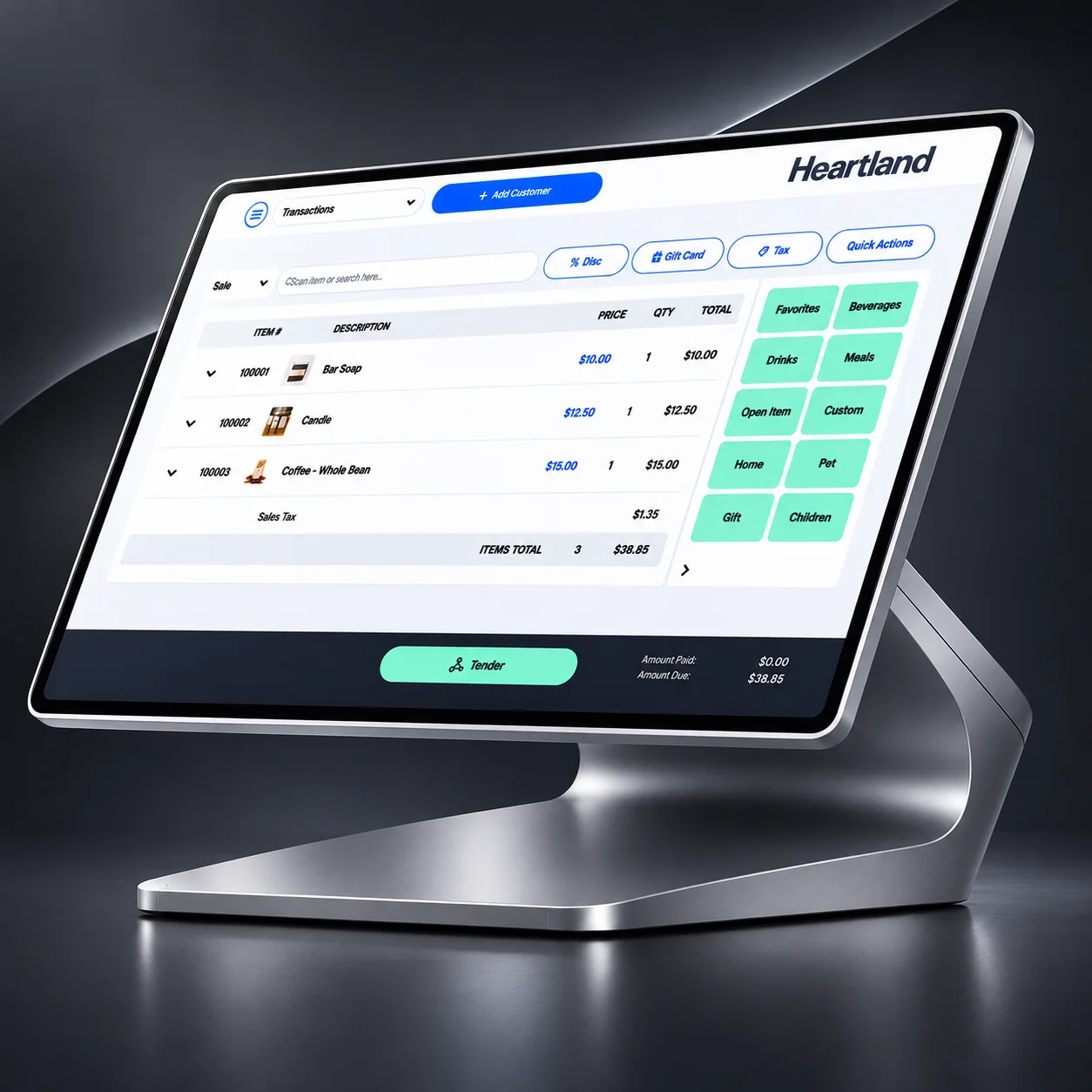
The converter runs in a web browser and is configured around your store’s required fields and processes.
Common questions
Yes. The converter is designed to prepare import files for Heartland POS and is configured for each merchant’s system.
Yes. You can upload multiple vendor purchase orders together. Orders split across delivery months can be separated into individual purchase orders.
The documented workflow generates a product grid import file and a purchase order import file. Import the grid file first and then the purchase order file. New items can be created through the purchase order import.
CRS configures the converter for your Heartland environment, including the required and custom fields used by your system. A CRS representative can discuss your specific setup.
The converter accepts PDF, CSV and Excel vendor documents.
Yes. It compares purchase order unit counts and dollar totals against the vendor’s document, so differences can be reviewed before importing into Heartland.
No separate software installation is required. The converter works in a web browser and is configured for your Heartland setup.
Ready to see it for yourself?
See how CRS can configure the converter for your Heartland system and help you put the vendor purchase orders you already receive to better use.